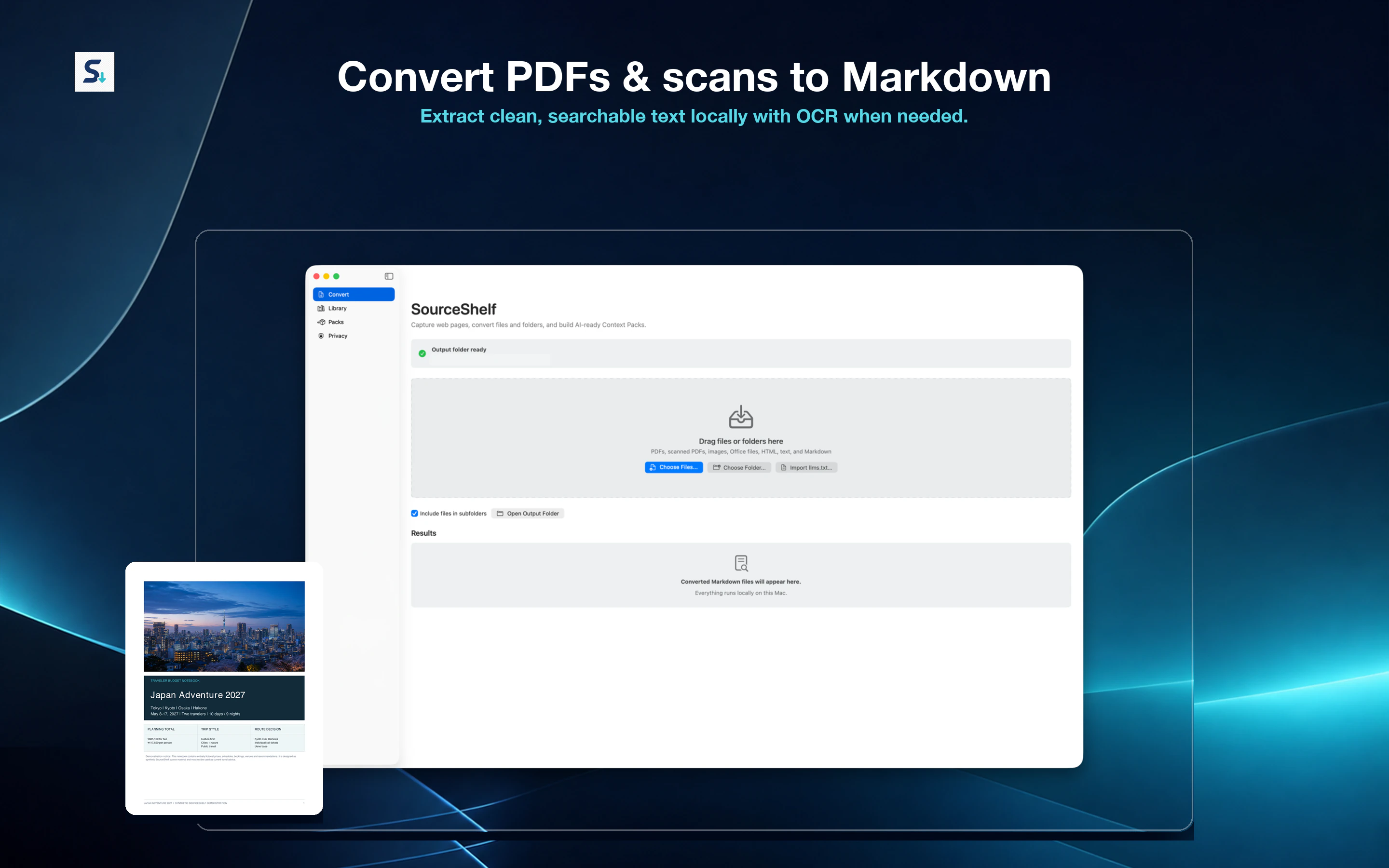
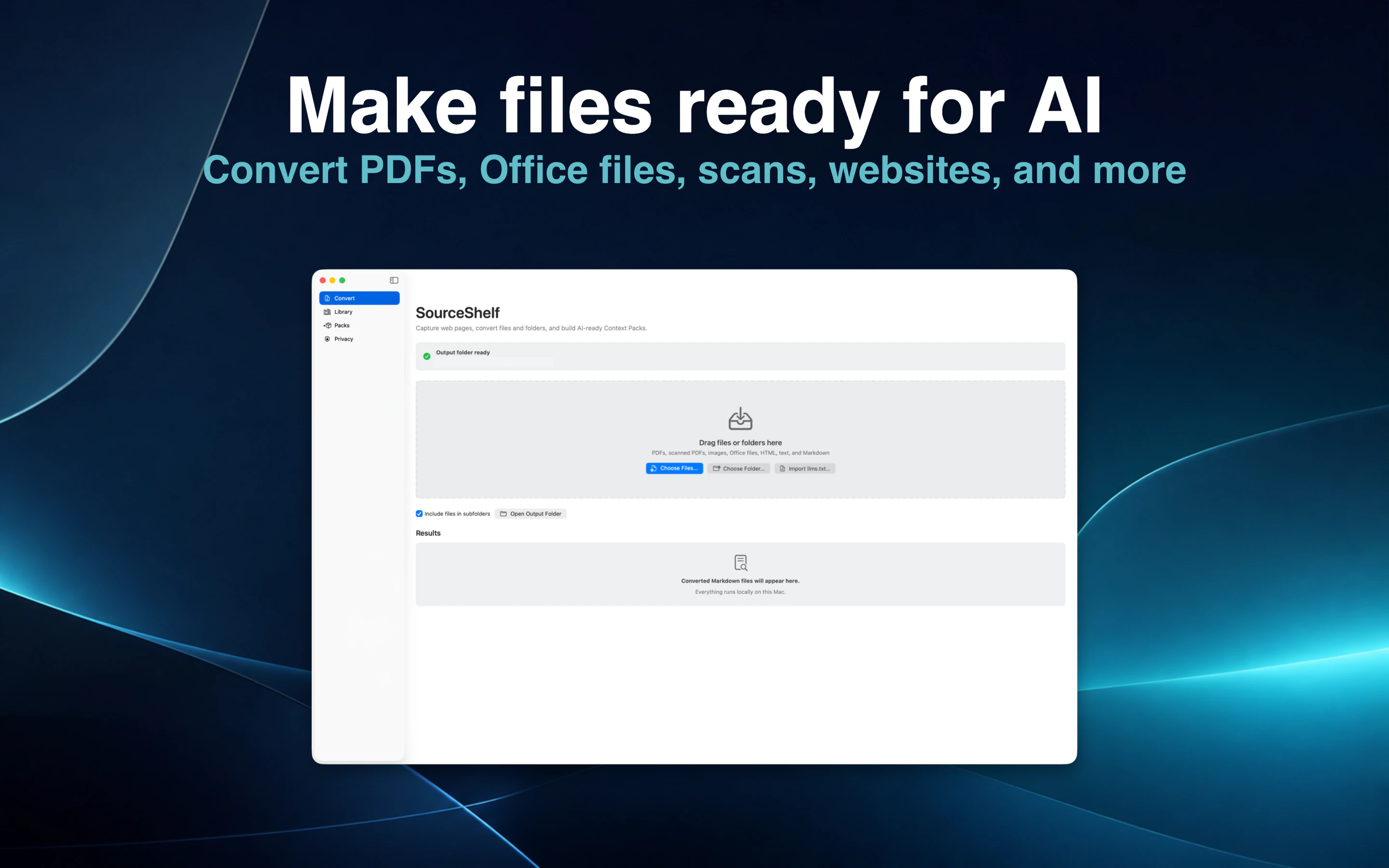
Convert PDFs & scans locally
Convert PDF to Markdown with local text extraction, or use Apple OCR for scanned PDFs and images. SourceShelf creates normal Markdown you can inspect, edit, archive, search, or add to a Pack.
Explore PDF to Markdown
Private research tools for Mac, iPhone & iPad
Convert documents locally, capture research from Safari, organize the sources that matter, and, on supported devices, ask questions across them with on-device AI.
Convert → Ask → Capture
Start with a PDF, scan, image, or webpage, then keep the result in a searchable local research library.
Convert PDF to Markdown with local text extraction, or use Apple OCR for scanned PDFs and images. SourceShelf creates normal Markdown you can inspect, edit, archive, search, or add to a Pack.
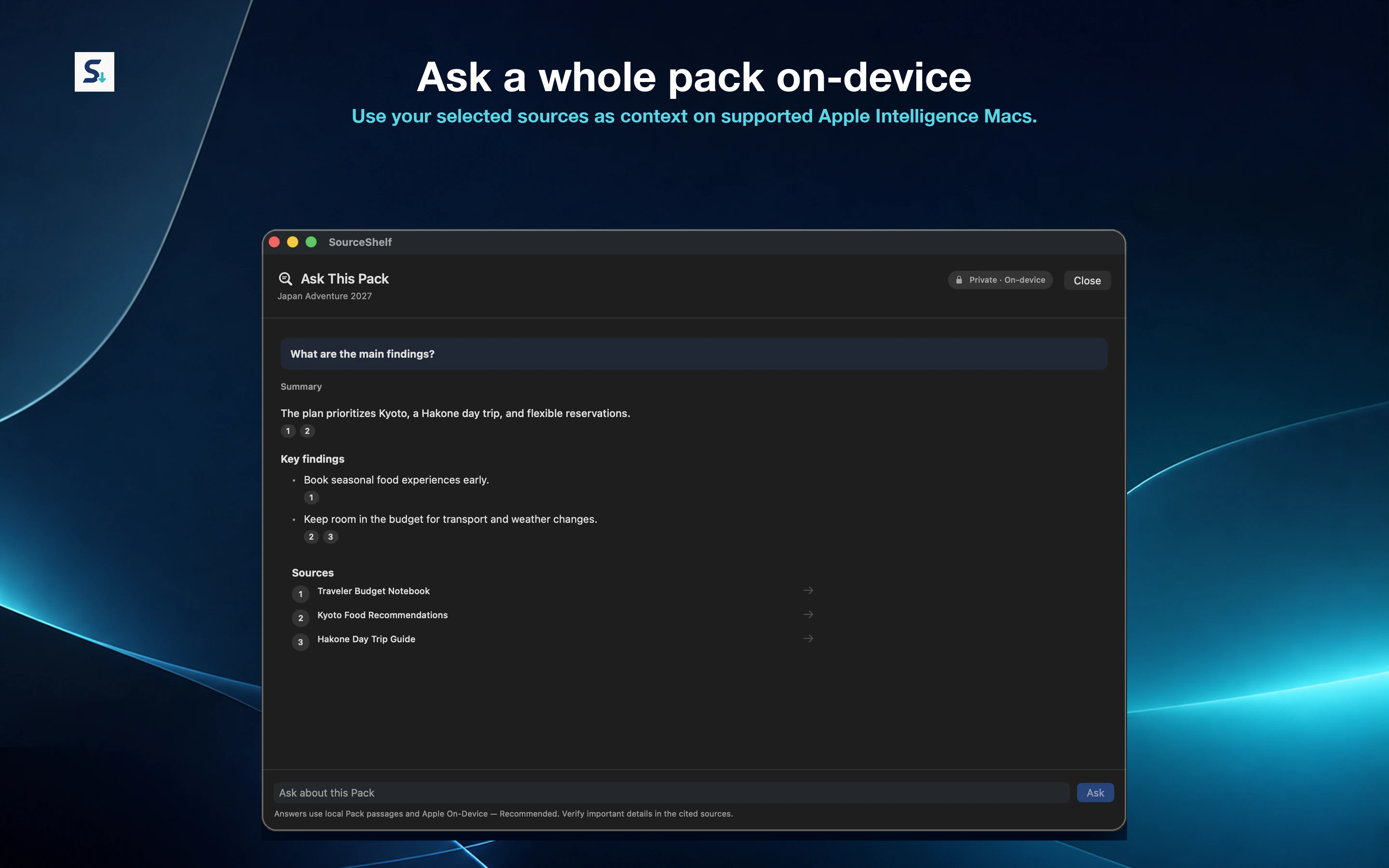
Explore PDF to MarkdownAdd the sources that matter to a Pack, then ask questions across them directly in SourceShelf. On supported Apple Intelligence devices, answers are generated on-device using the selected Pack as context.
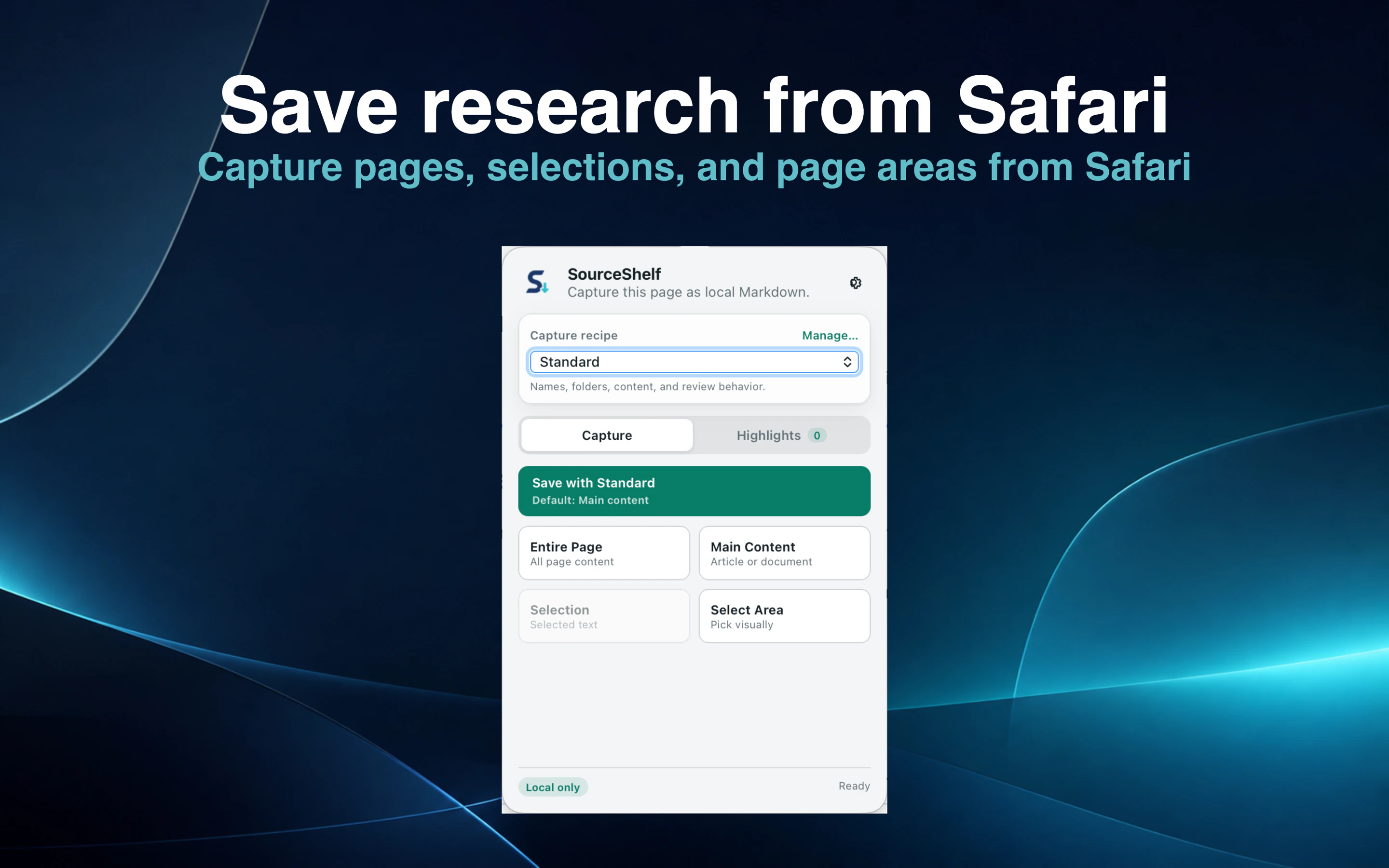
Capture a full page, main article, selection, visible area, or research highlights from Safari and keep the result as local Markdown with source provenance.
Explore Safari to Markdown captureOrganize what matters
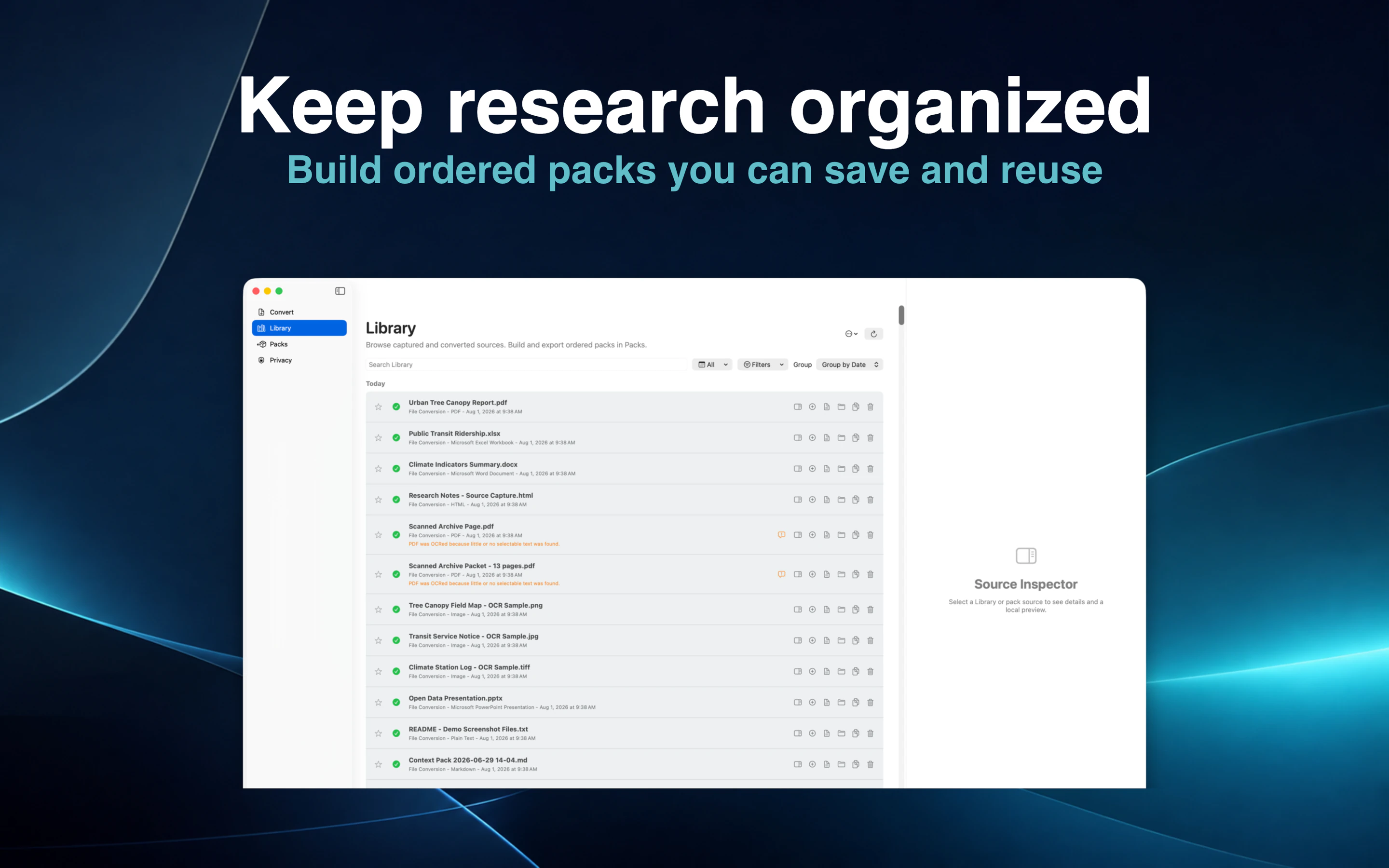
Combine converted documents, saved webpages, notes, and other sources into focused Packs you can search, reuse, ask, export, or move between devices.
Keep the sources for a project together in a searchable Pack that stays useful across reading, asking, exporting, and reuse.
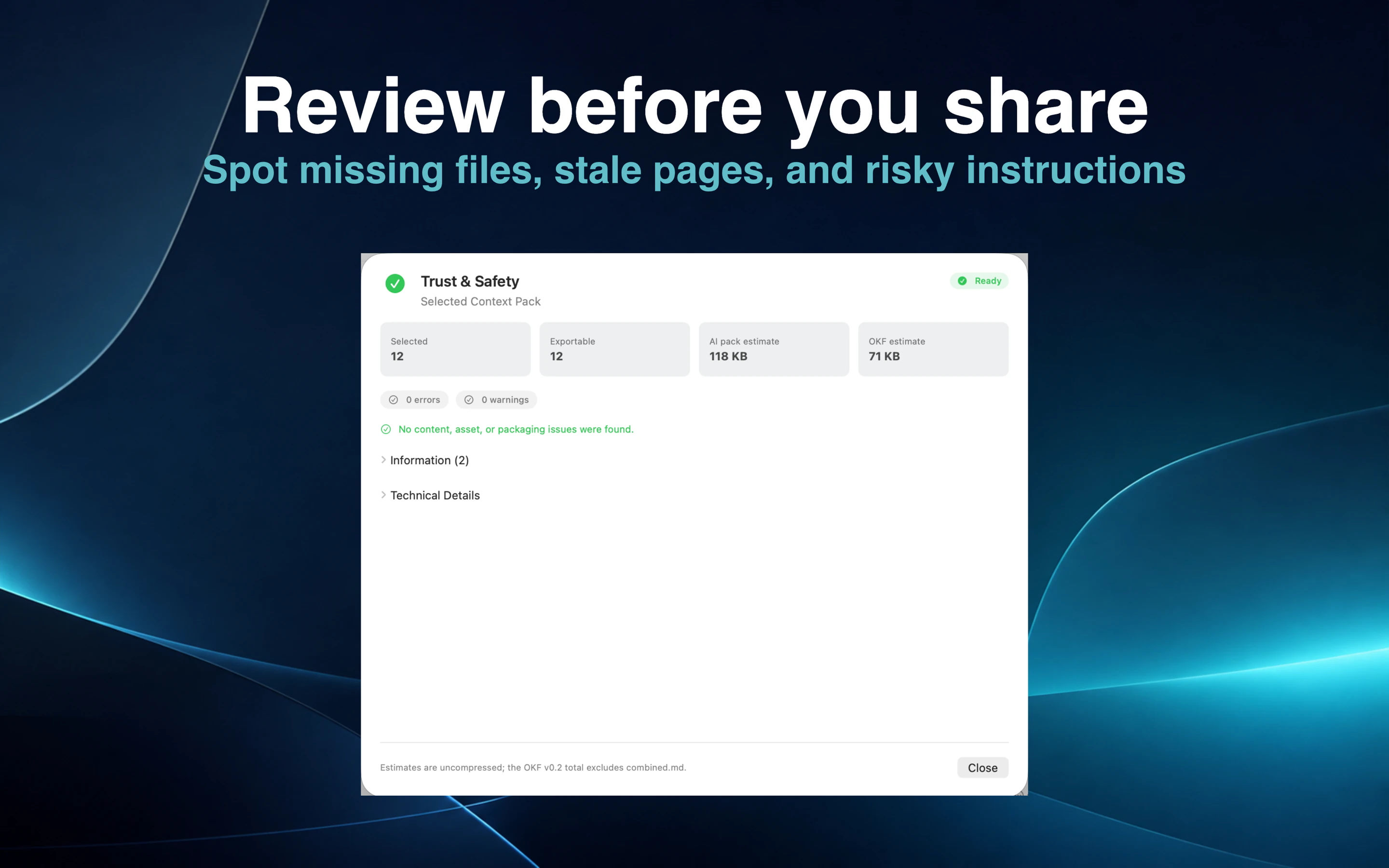
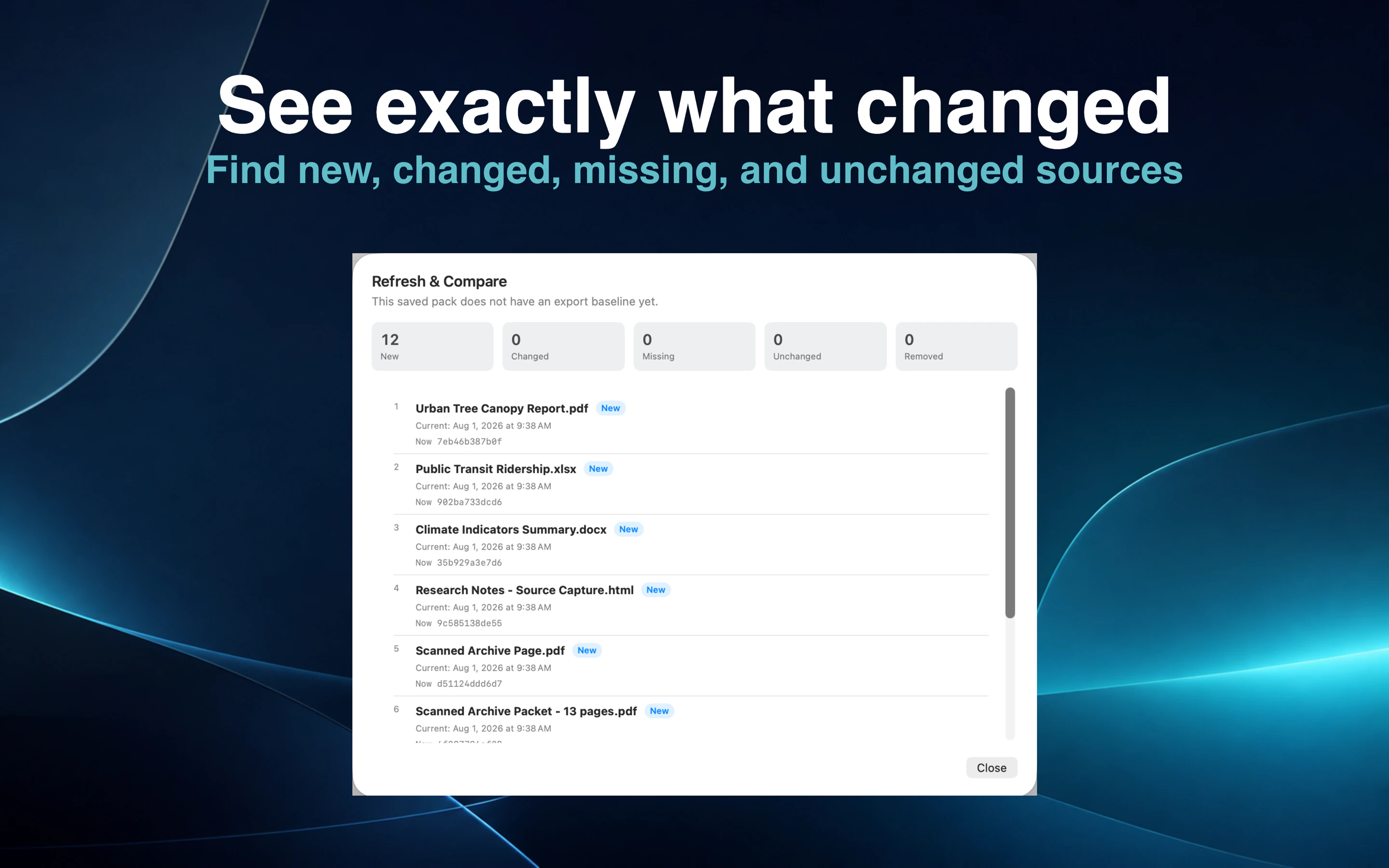
On Mac, spot missing files, stale pages, and risky instructions before sharing or exporting a Pack.
On Mac, Refresh & Compare finds new, changed, missing, and unchanged sources before you update a Pack.
Your knowledge remains yours
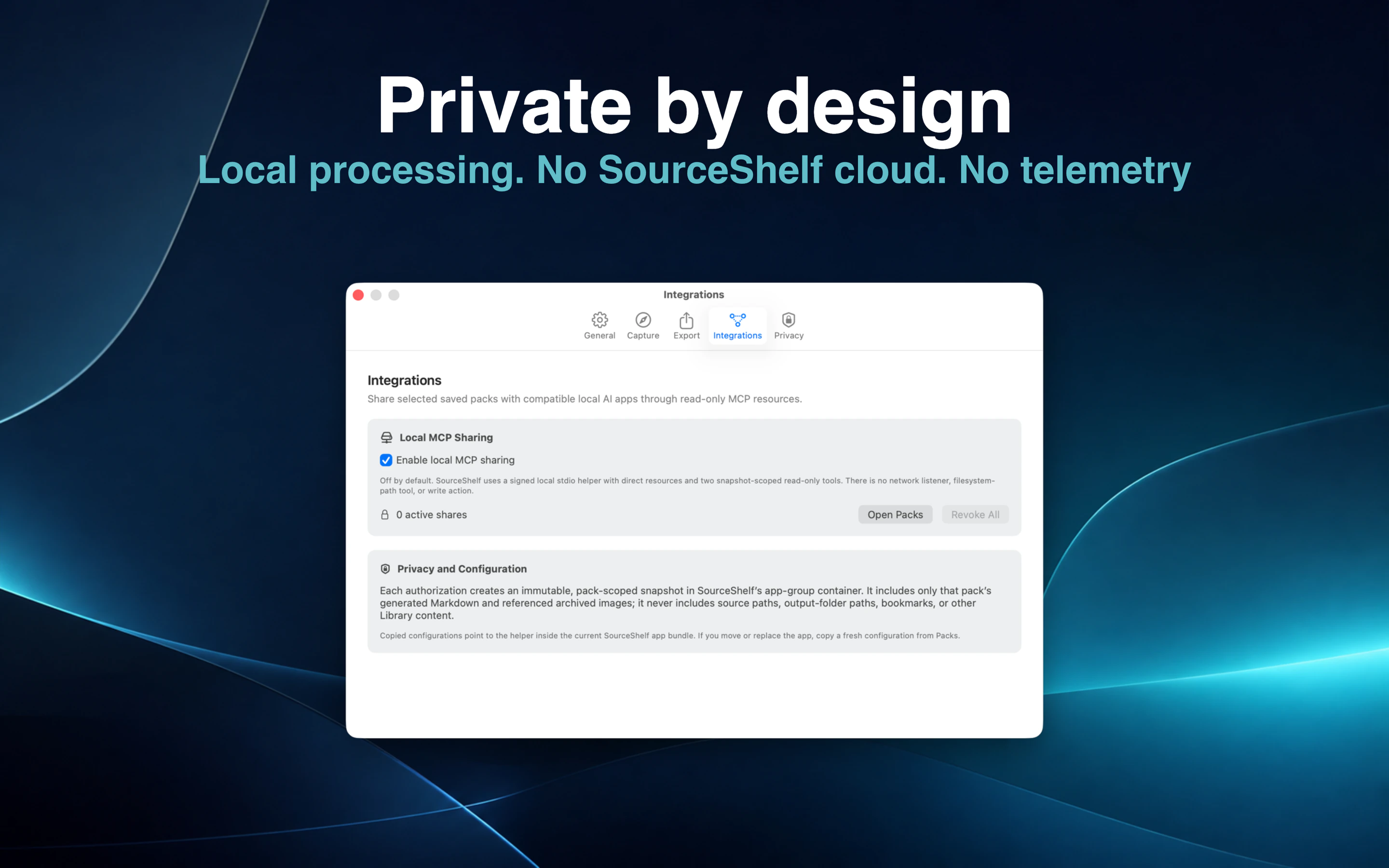
PDF extraction, local OCR, Safari capture, Library work, and Ask This Pack all run on your device. Ask This Pack uses Apple’s on-device model on supported Apple Intelligence devices.
SourceShelf does not upload your documents, requires no SourceShelf cloud account, and sends no app telemetry or tracking. A third-party AI client connected through MCP follows its own model and privacy policies.
Local extraction and OCR. No SourceShelf cloud. No app telemetry. Read the privacy detailsPortable context and controlled access
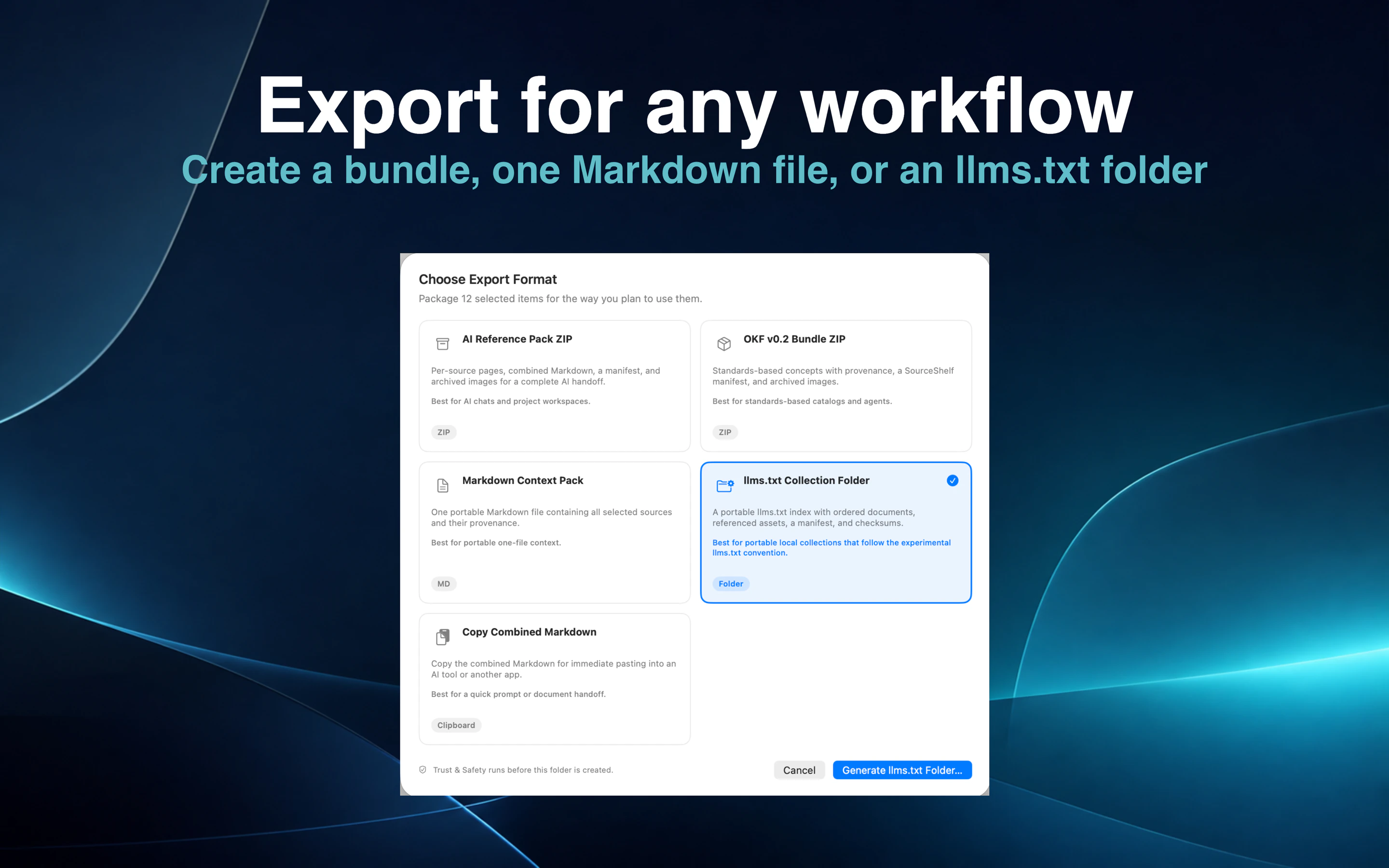
Ask a Pack directly in SourceShelf, export it as portable Markdown-based context, or give a compatible AI client controlled read-only access.
See read-only Local AI Access setup guidesCreate an AI Reference Pack, a Markdown Context Pack, one Markdown file, a portable llms.txt collection, or an OKF-compatible pack.
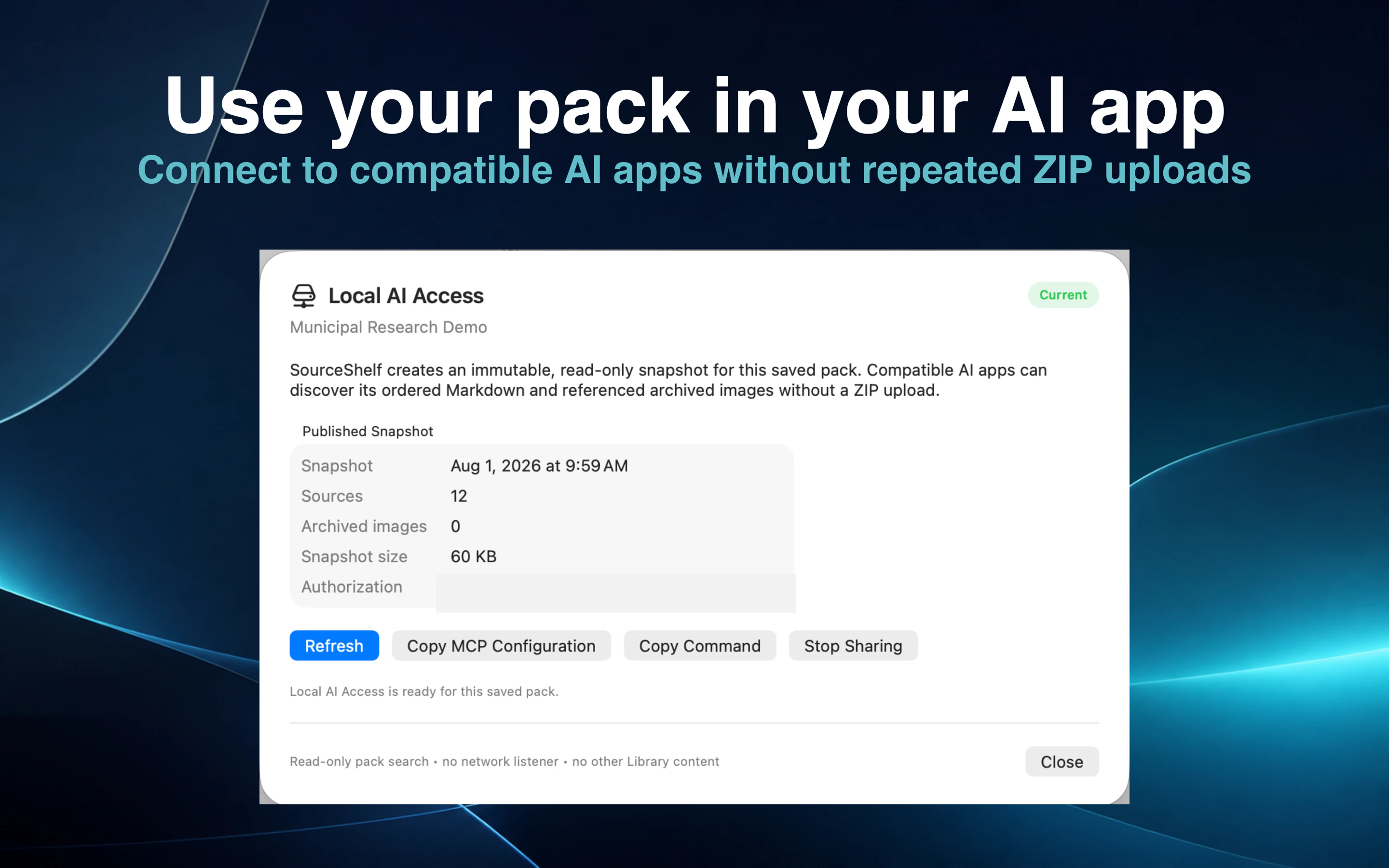
On Mac, publish a controlled snapshot of one Pack so a compatible AI client can search it without browsing your whole Library.
Built for Apple devices
PDF to Markdown, scanned PDF to Markdown with local OCR, and webpage to Markdown from Safari work across supported Apple devices. On Mac, SourceShelf also converts Word, PowerPoint, Excel, RTF, HTML, Markdown, and text.
See supported formatsUse the local Library, Packs, portable import and export, offline reading, and Ask This Pack on Mac, iPhone, and iPad. Mac adds advanced Pack Health, Refresh & Compare, and MCP workflows.
Explore the documentationSourceShelf use cases
Start with the concrete workflow that matches the research you need to convert, capture, organize, or ask.
Local PDF conversion
Extract text or use local Apple OCR, then inspect, edit, archive, search, or add the Markdown to a Pack.
Safari web capture
Capture full pages, articles, selections, visible areas, or ordered highlights from Safari with source provenance.
Ask your research
Use your selected sources as context for on-device answers on supported Apple Intelligence devices.
Local research archive
Keep converted documents, captured webpages, notes, provenance, and Packs in a local Library.
Private AI knowledge base
Create focused, reusable context without exposing unrelated Library sources.
Read-only MCP knowledge access
Authorize one saved Pack as a controlled, read-only snapshot for a compatible AI client.
Convert documents, capture webpages, build focused Packs, and ask your sources — while keeping your research under your control.