Does SourceShelf save only full webpages?
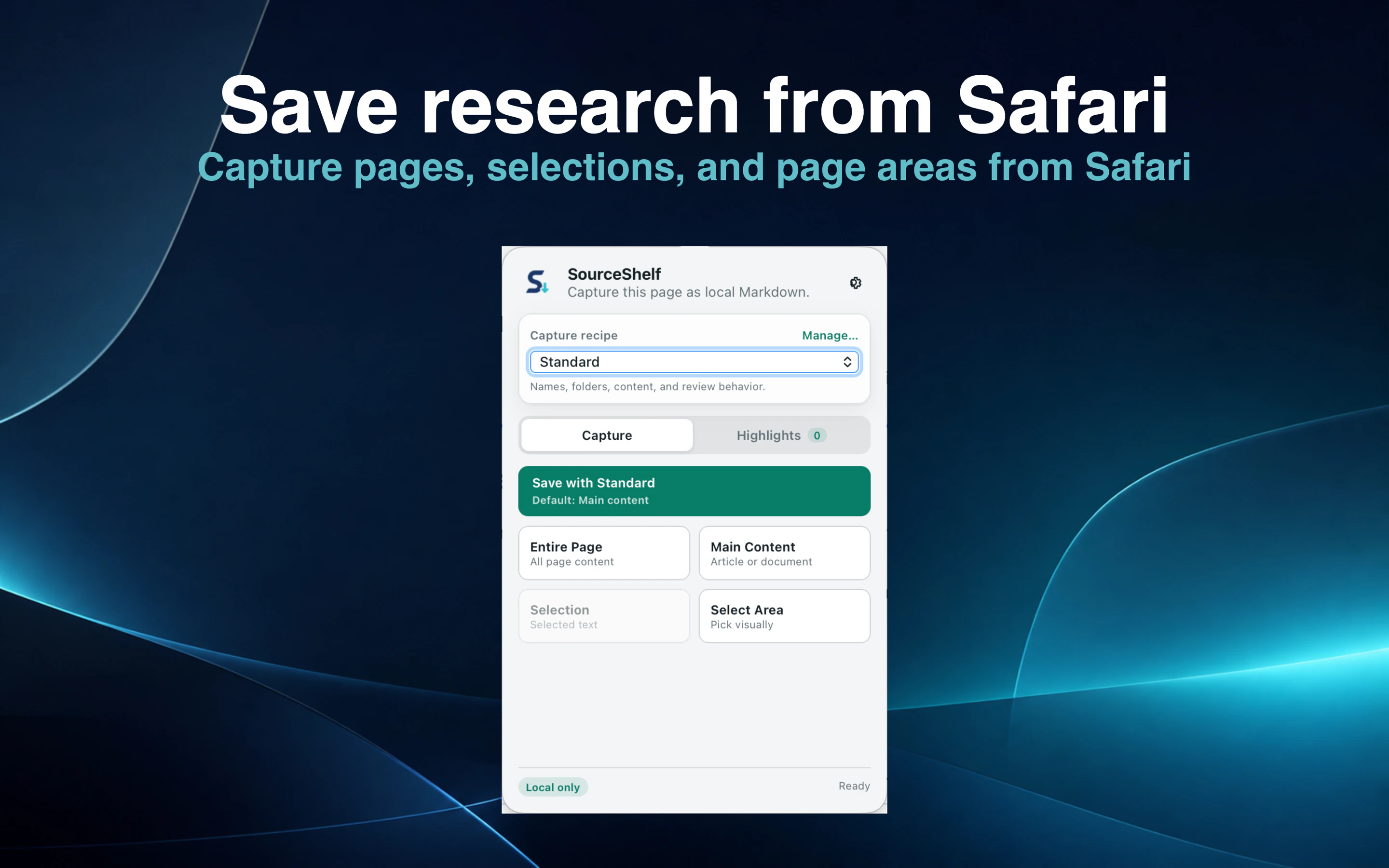
No. You can capture the full page, detected main content, selected text, a visible area, or multiple research highlights.
Safari web capture
Capture a full page, the main article, selected text, a visible area, or a set of ordered highlights with a research note. SourceShelf turns the result into local Markdown with clear source provenance.
Product demonstration
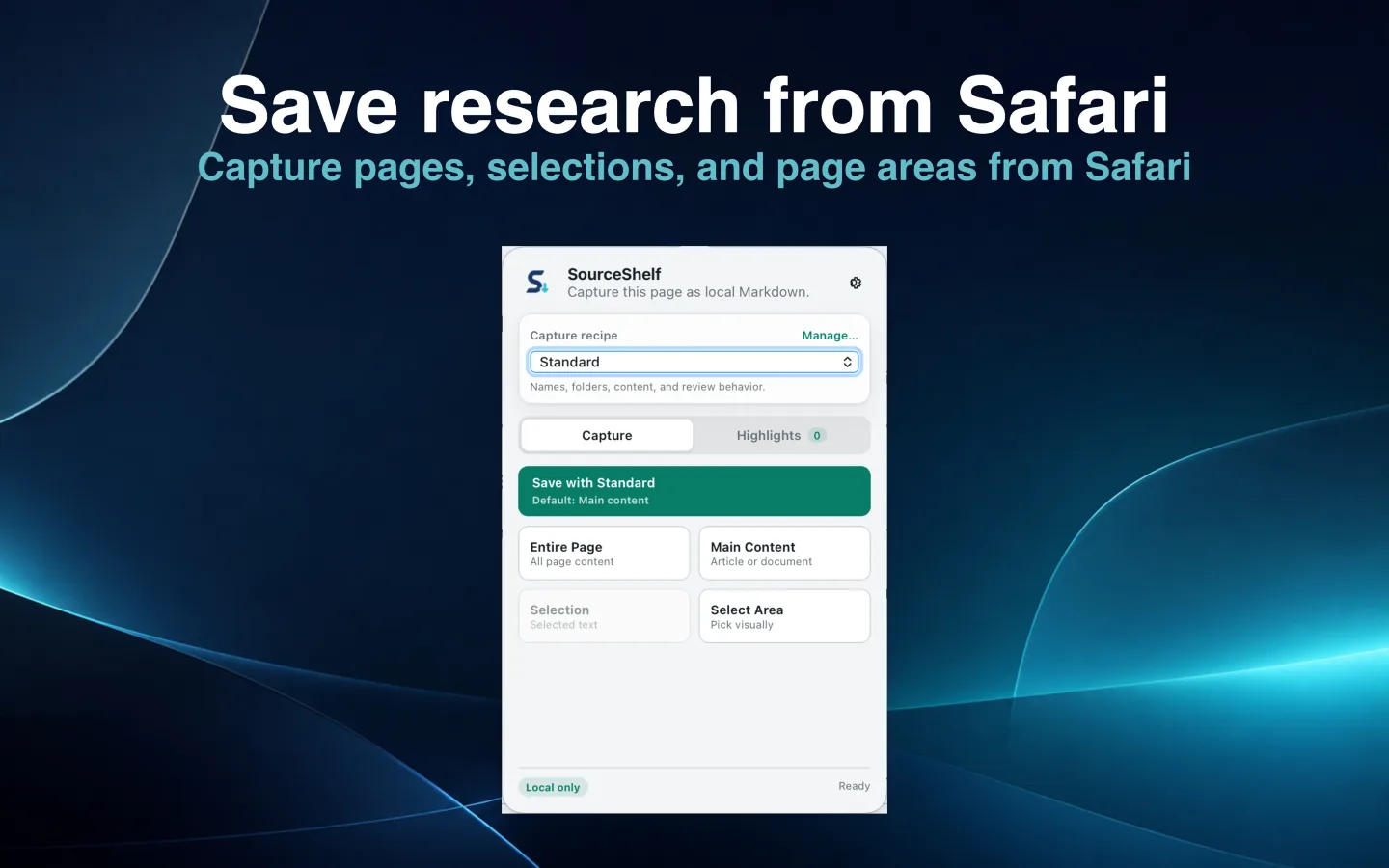
Open the SourceShelf Safari extension and choose the full page, main article, selected text, visible area, or Research Highlights mode.
For research highlights, collect several passages in a deliberate order and add an optional note explaining why they matter.
Review the capture when the recipe requests it, then save local Markdown with source provenance and applicable assets.
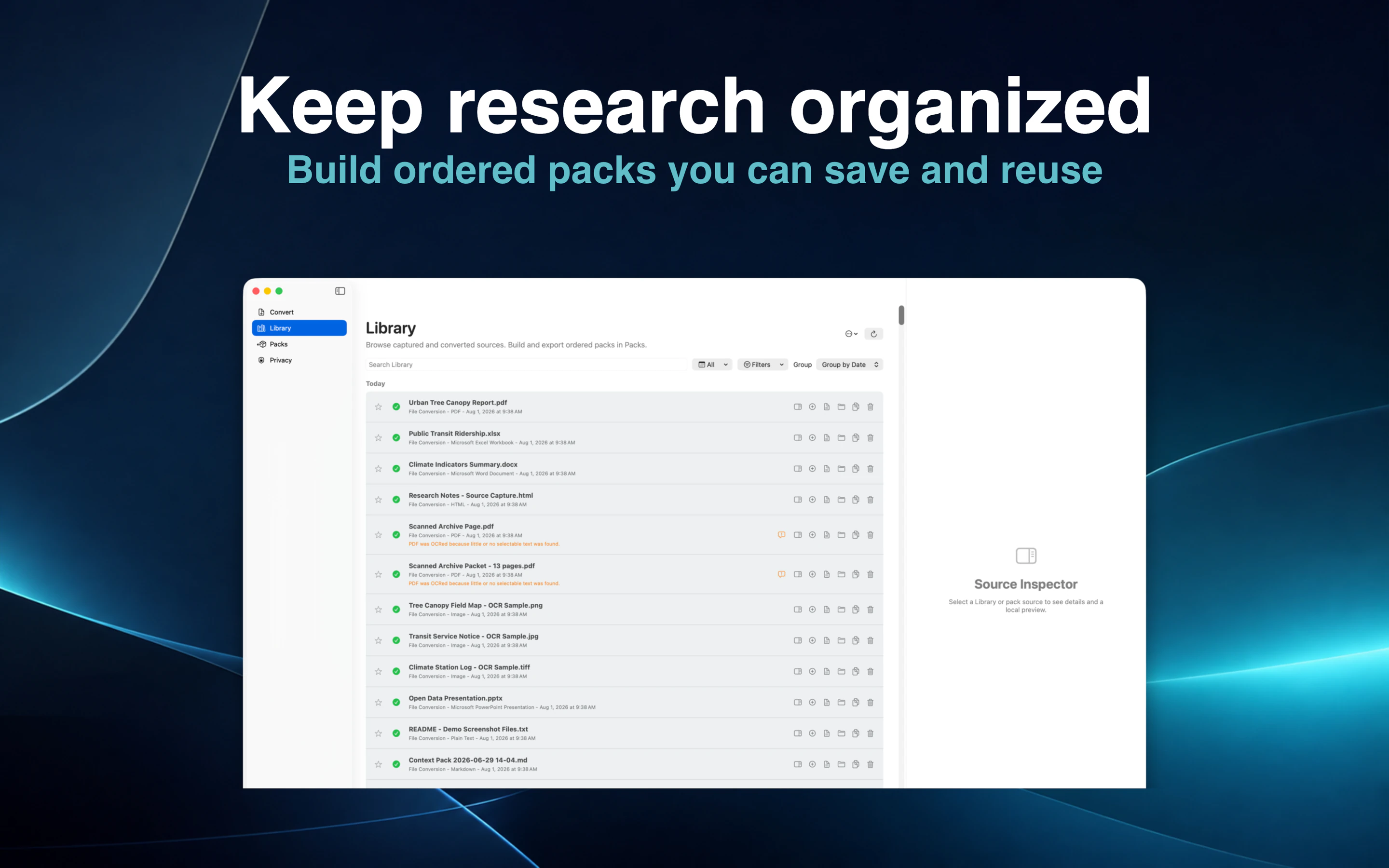
Find the capture in the Library and combine it with related documents in a focused pack.
A bookmark points to a page that may later move, change, or disappear. SourceShelf saves the material you need as a local source you can search, inspect, edit, and include in a knowledge pack.
Choose the entire page, detected main content, selected text, or a selected visible area.
Research Highlights lets you collect multiple passages from one page in a deliberate order and add an optional note explaining why they matter.
The resulting Markdown keeps the captured content together with its source URL and capture details.
Recipes can choose a filename and destination folder, set a default capture mode, control image and link behavior, add custom metadata, request review before saving, and apply rules to particular websites.
Quick Capture lets frequently used recipes run with less interruption while you browse.
Captured webpages appear in the same SourceShelf Library as converted files. Combine an article with reports, notes, spreadsheets, or scanned material in one ordered pack.
Export the pack or make it available read-only to a compatible AI client without giving the client access to your browsing history or unrelated Library sources.
How it works
Select the full page, main article, text selection, area, or highlights.
SourceShelf creates local Markdown with provenance and archived assets where applicable.
Combine the capture with related documents and use it as focused AI or research context.
Common questions
No. You can capture the full page, detected main content, selected text, a visible area, or multiple research highlights.
Yes. A recipe can place captures in a local review queue so you can edit the Markdown, destination, notes, and custom fields first.
No. Safari captures are processed and saved locally.
Yes. Safari captures and converted files coexist in the Library and can be added to the same saved pack.
Capture only what matters and keep it as local, inspectable Markdown.