What does MCP mean?
Model Context Protocol is a standard way for compatible applications to request context and tools from another application. SourceShelf uses it for local, read-only access to an authorized knowledge pack.
Read-only MCP knowledge access
MCP is a standard connection between applications. SourceShelf uses it to publish one saved knowledge pack as a read-only local snapshot that a compatible AI client can search and read.
Product demonstration
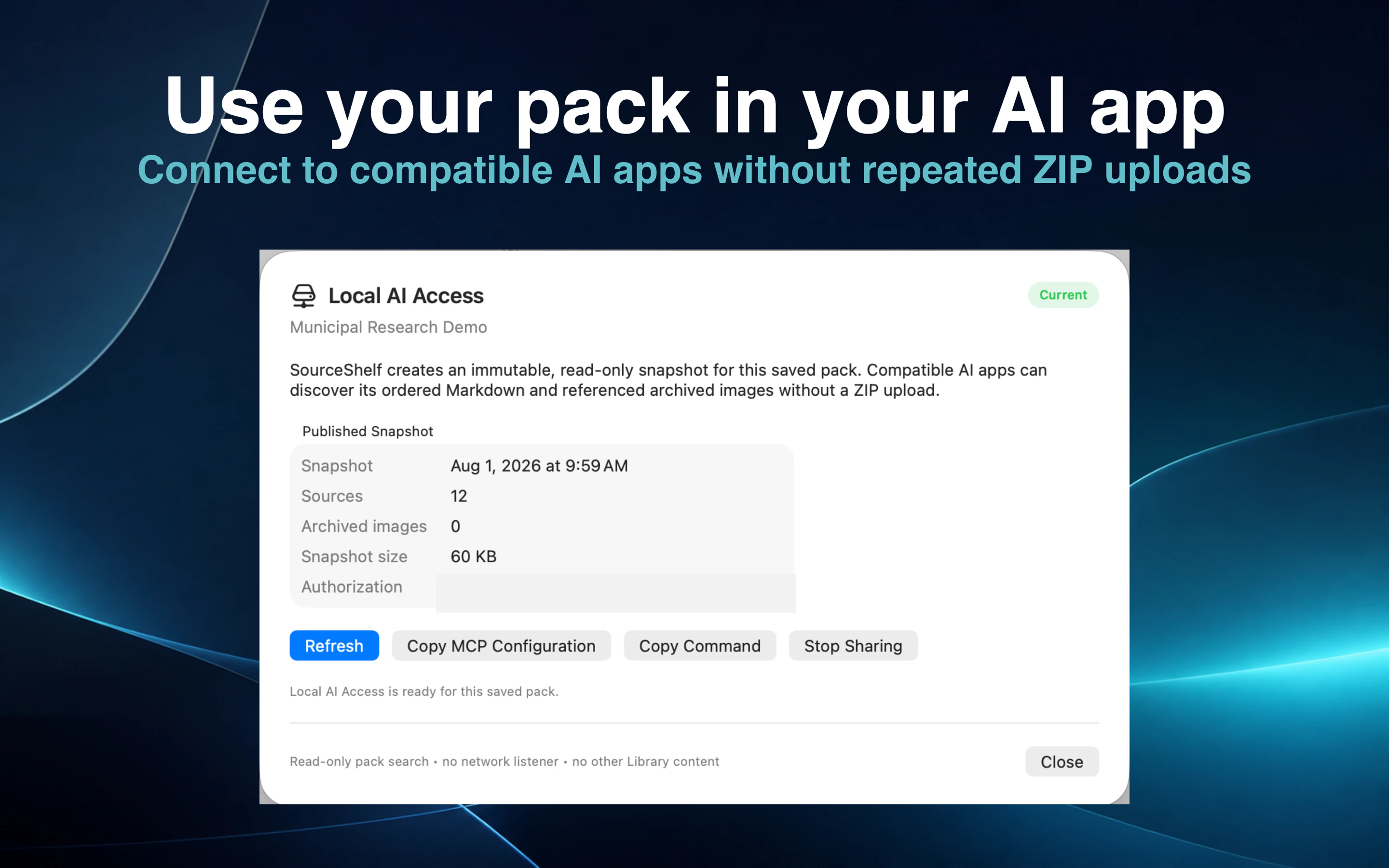
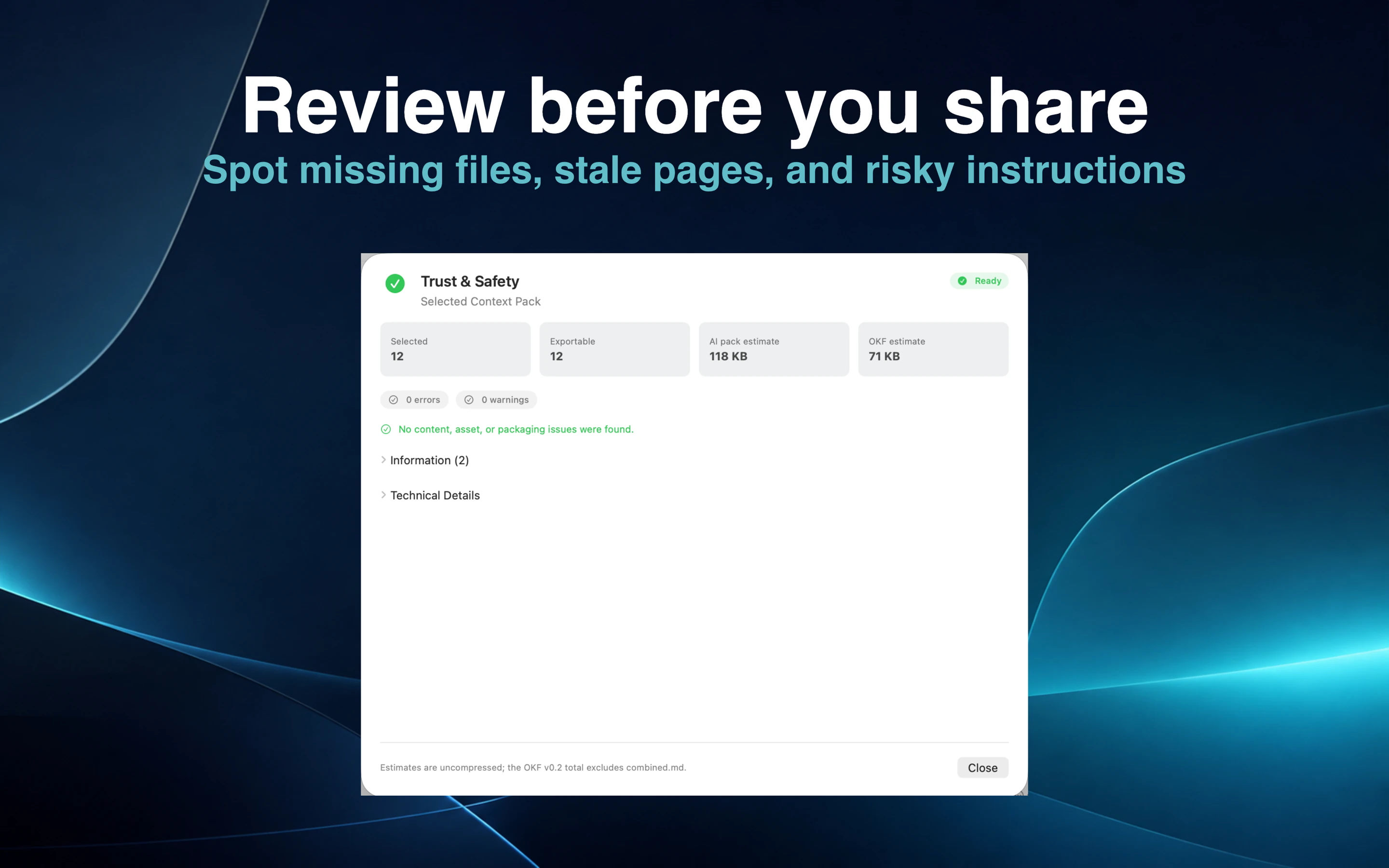
Save a focused pack, review the latest Trust & Safety results, and authorize it for Local AI Access.
Copy the local configuration into a compatible desktop AI client without exposing personal filesystem paths.
The client searches the authorized snapshot and reads only bounded, allowlisted text resources from that pack.
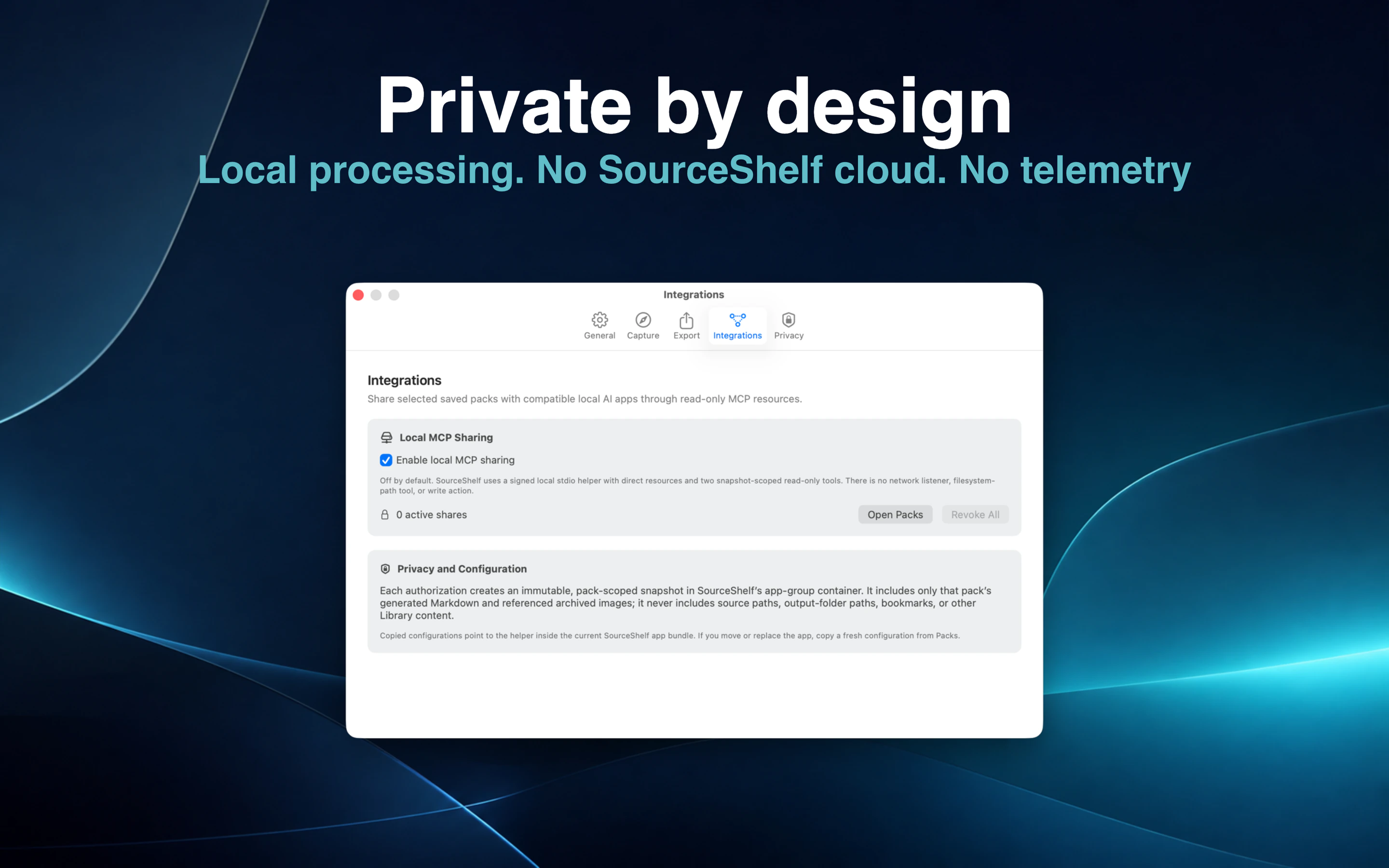
Stop the individual share or disable Local AI Access to invalidate copied configurations immediately.
A compatible AI application sometimes needs a way to request information from another application. Model Context Protocol provides that connection.
With SourceShelf, you choose a saved pack and authorize it for Local AI Access. The AI client can then ask SourceShelf to find relevant passages and read approved text resources from that pack.
SourceShelf does not expose the live Library or give the client a general filesystem tool. It creates an immutable copy of the selected pack under a random authorization identifier.
The snapshot contains copied Markdown, referenced local images, a catalog, checksums, and an allowlist. It excludes original paths, output-folder paths, security bookmarks, and every Library source outside the pack.
A compatible client first asks SourceShelf to find relevant passages inside the authorized pack. It can then read an approved text source in bounded pages rather than loading every document at once.
The SourceShelf MCP helper cannot edit sources, delete files, fetch remote content, browse arbitrary paths, or listen for network connections. It communicates locally through a command launched by the compatible AI client.
Stopping a share or disabling MCP invalidates the copied configuration immediately.
MCP connects the desktop AI client to SourceShelf. The client may use a model running on the Mac or a cloud-backed model.
SourceShelf controls the local knowledge connection but does not control the privacy policy or data handling of the third-party AI client you choose.
How it works
Create and save a focused collection of readable sources.
Review Trust & Safety results and publish a read-only snapshot.
Copy the configuration or local command into the client.
Let the client search the selected pack, and stop sharing whenever access is no longer needed.
Common questions
Model Context Protocol is a standard way for compatible applications to request context and tools from another application. SourceShelf uses it for local, read-only access to an authorized knowledge pack.
No. SourceShelf exposes only the immutable snapshot of the saved pack you authorize.
No. SourceShelf provides no MCP write, delete, or arbitrary-file tools.
Potentially, when its desktop application supports the required local MCP connection. The third-party client's own privacy and data-handling terms still apply.
Stop the individual pack share or disable Local AI Access in SourceShelf. The helper reloads authorization information for every request, so revoked access stops working immediately.
Authorize a read-only snapshot, use it with a compatible client, and revoke access whenever you choose.