Large language models are changing how people find information.
Instead of only visiting websites directly, people increasingly ask AI assistants questions that require information from many sources.
Traditional websites were designed primarily for human visitors and search engines. They contain navigation menus, scripts, styling, advertisements, and interactive elements. Those features can be useful to a person while making it harder for an automated tool to identify the most important material.
An emerging convention called llms.txt proposes a simpler idea: create a small Markdown file that helps AI systems understand what a website contains and where its most useful information can be found.
The original llms.txt proposal describes it as a way to provide language-model-friendly information for use at inference time. It remains a proposal rather than a universally adopted web standard, so support varies between tools.
llms.txt in simple terms
An llms.txt file is a Markdown document normally placed at a website’s root:
https://example.com/llms.txtIt can provide:
- A short description of the website
- Links to important pages and documentation
- Summaries that explain what important sections contain
- An optional group of secondary links that can be skipped when context is limited
The published format requires only an H1 title. It can also include a blockquote summary, explanatory prose, H2 sections, and Markdown link lists with short notes.
It is useful to compare the intent of three root-level files without treating them as equivalent:
robots.txt: instructions about crawler access preferencessitemap.xml: a map of website URLs and filesllms.txt: a curated guide to important content for AI systems
Example llms.txt file
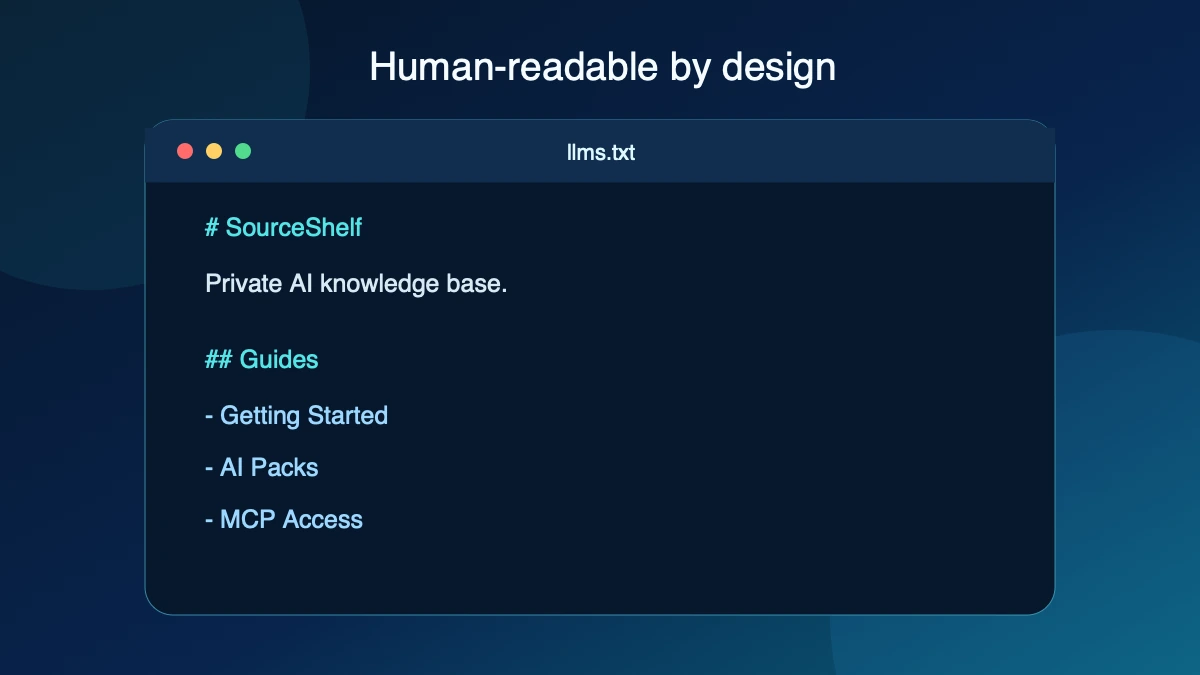
# Example Documentation

> Example is a platform for managing research documents.

## Documentation

- [Getting Started](https://example.com/start)
  Learn how to begin.

- [API Reference](https://example.com/api)
  Complete API documentation.

## Guides

- [Importing Data](https://example.com/import)
  Learn supported formats.
Markdown is readable without a special viewer. A person can edit and review the file in a text editor, a team can keep it in version control, and software can interpret its headings and links without first removing a webpage’s interface.
Why llms.txt exists
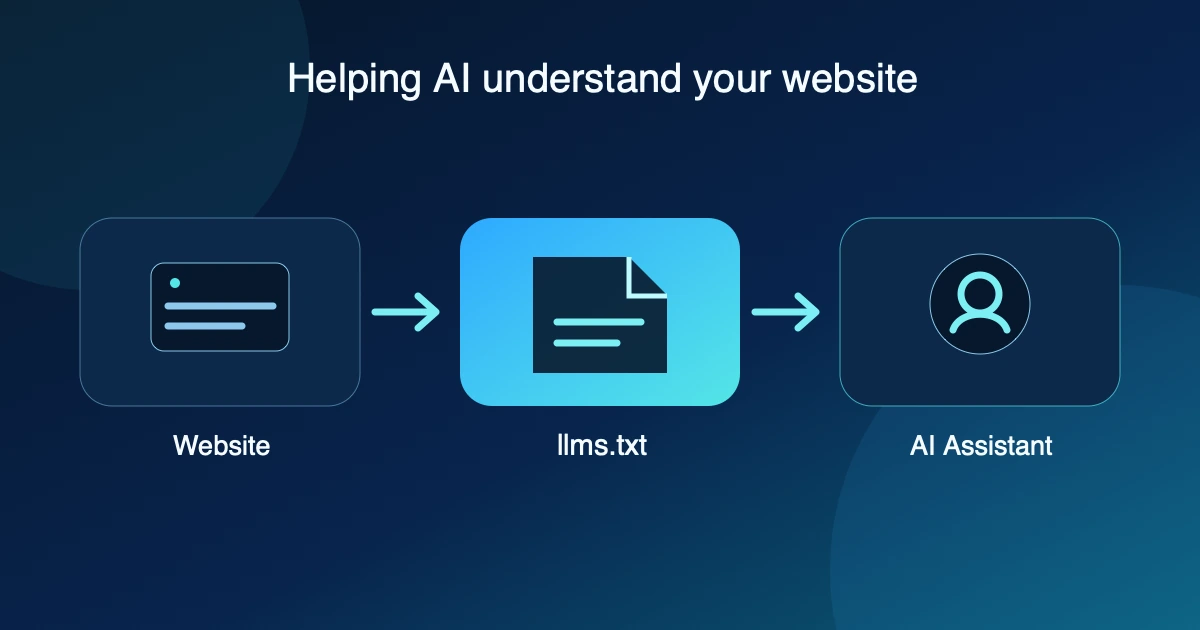
A normal webpage can include navigation, menus, scripts, related links, advertisements, styling, and interactive controls. The authoritative explanation or documentation may be only one part of that page.
The llms.txt proposal offers a curated entry point. It does not replace the linked pages; it tells a reader what the collection is about and where to look next.
Think of a library catalog. The catalog is not the entire library. It helps you find the right books.
Benefits of llms.txt
Better content discovery
A compatible agent can quickly see what a website covers, which pages matter, and where authoritative information lives.
Cleaner AI context
Curated links, descriptions, and headings offer a cleaner starting point than inferring importance from navigation and page chrome.
Human-readable documentation
Because llms.txt is Markdown, people can read, edit, review, and version it with ordinary tools.
Future-ready knowledge sharing
A lightweight open convention can provide structured context without tying a website to one AI vendor.
These benefits depend on a tool choosing to read and use the file. Publishing llms.txt does not itself cause an AI service to discover, retrieve, or prioritize a website.
What llms.txt does not do
llms.txt does not:
- Force AI systems to read a website
- Guarantee inclusion in AI-generated answers
- Guarantee search or AI ranking improvements
- Replace normal SEO or accessible website structure
- Replace
robots.txt, a sitemap, or good internal linking - Prevent scraping or grant access permission
- Create an AI knowledge base automatically
It is a useful hint and structured reference, not a permission system. Website owners still need appropriate access controls, licensing, crawler policies, and privacy decisions.
llms.txt versus robots.txt
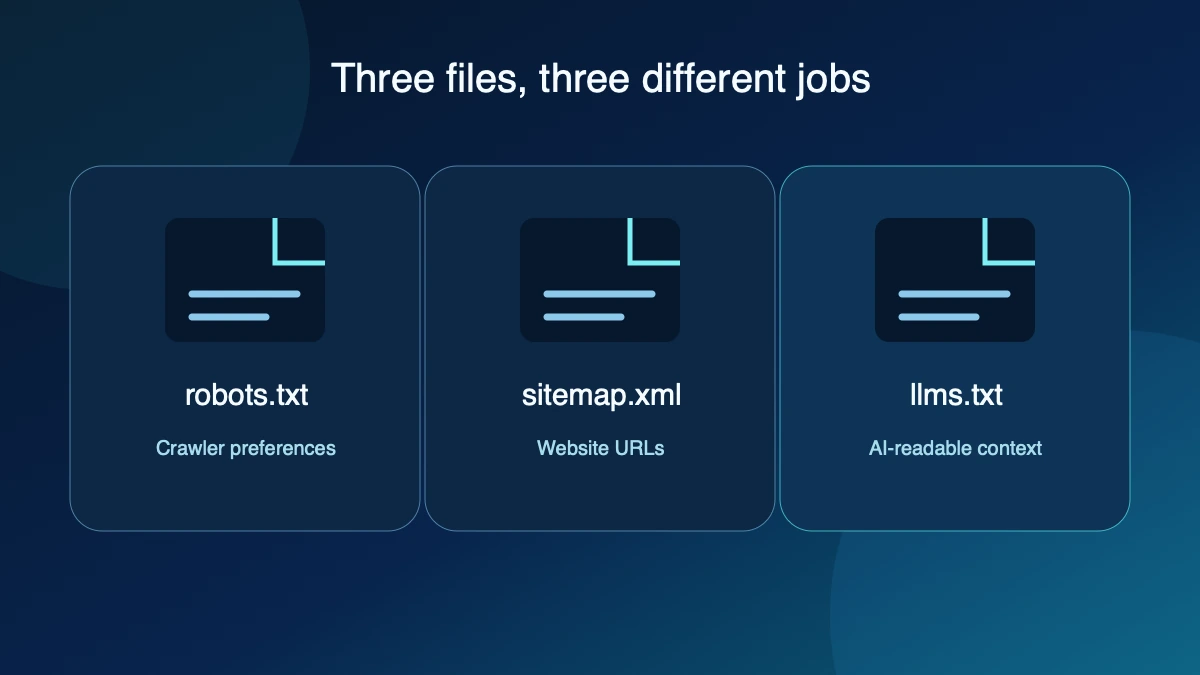
| File | Purpose |
|---|---|
robots.txt | Communicates crawler access preferences |
sitemap.xml | Lists website URLs and files |
llms.txt | Provides curated AI-readable context |
These files solve different problems. Google describes robots.txt as a way to tell search-engine crawlers which URLs they may access, mainly to manage crawler traffic. It describes a sitemap as a file that identifies pages and files a site considers important.
The llms.txt proposal is neither an access-control mechanism nor a complete URL inventory. It is an editorial layer: a site owner chooses a useful subset of material and explains it in concise Markdown.
Creating llms.txt manually
A basic workflow is straightforward:
- Identify the pages that best explain the website.
- Create a Markdown file with a clear H1 title and short summary.
- Group important links under descriptive H2 headings.
- Add one-sentence notes where a link’s purpose is not obvious.
- Place the file at the website root.
https://website.com/llms.txtKeep the list selective. A shorter guide to authoritative content is often more useful than a second sitemap containing every URL. Review the file when documentation moves, policies change, or important pages are added.
SourceShelf publishes its own llms.txt
SourceShelf itself publishes an llms.txt file. This allows AI systems and developers to discover the application’s documentation and key concepts using the same convention described in this article.
How SourceShelf uses llms.txt
SourceShelf treats llms.txt as a useful bridge between websites and local AI knowledge workflows.
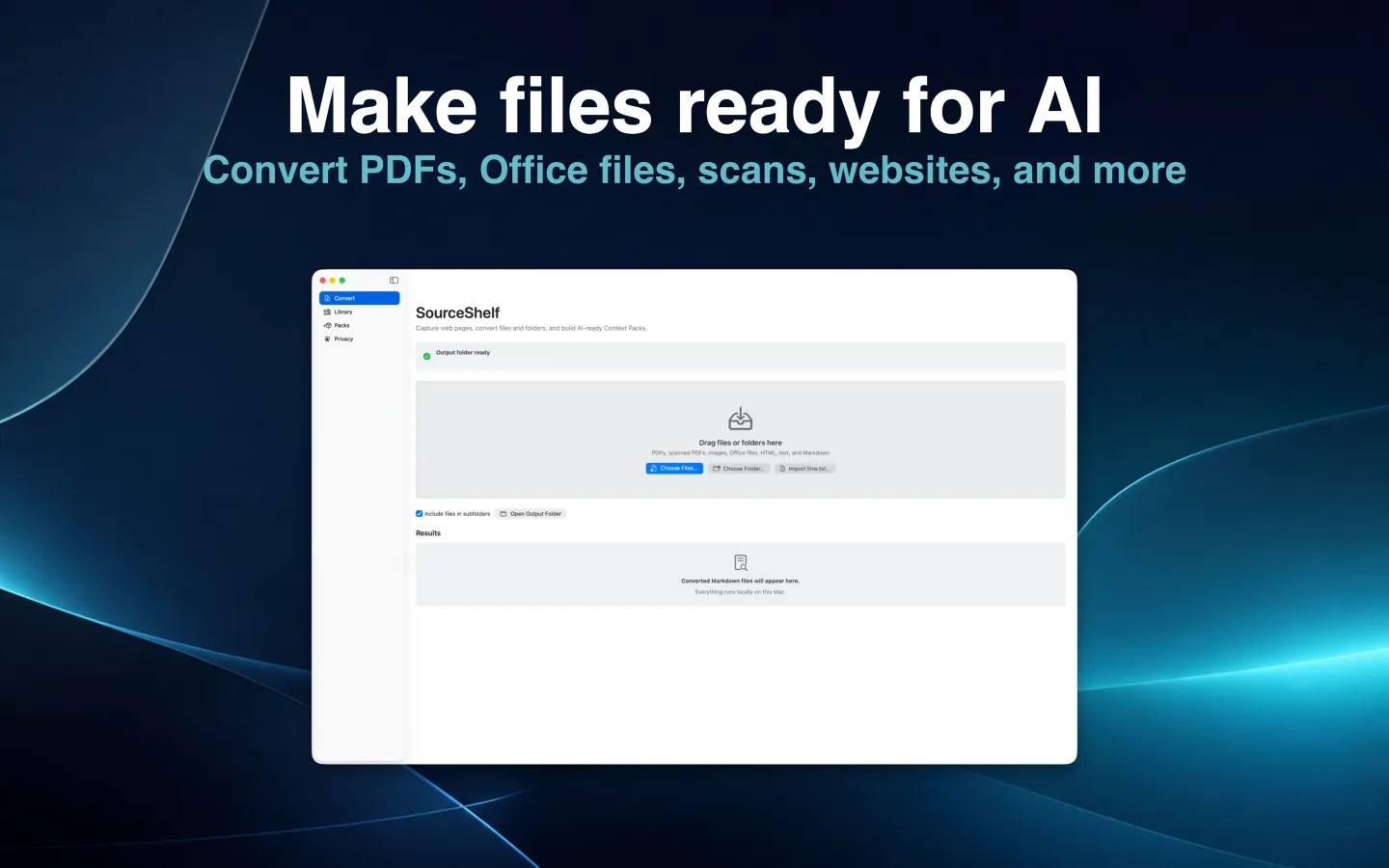
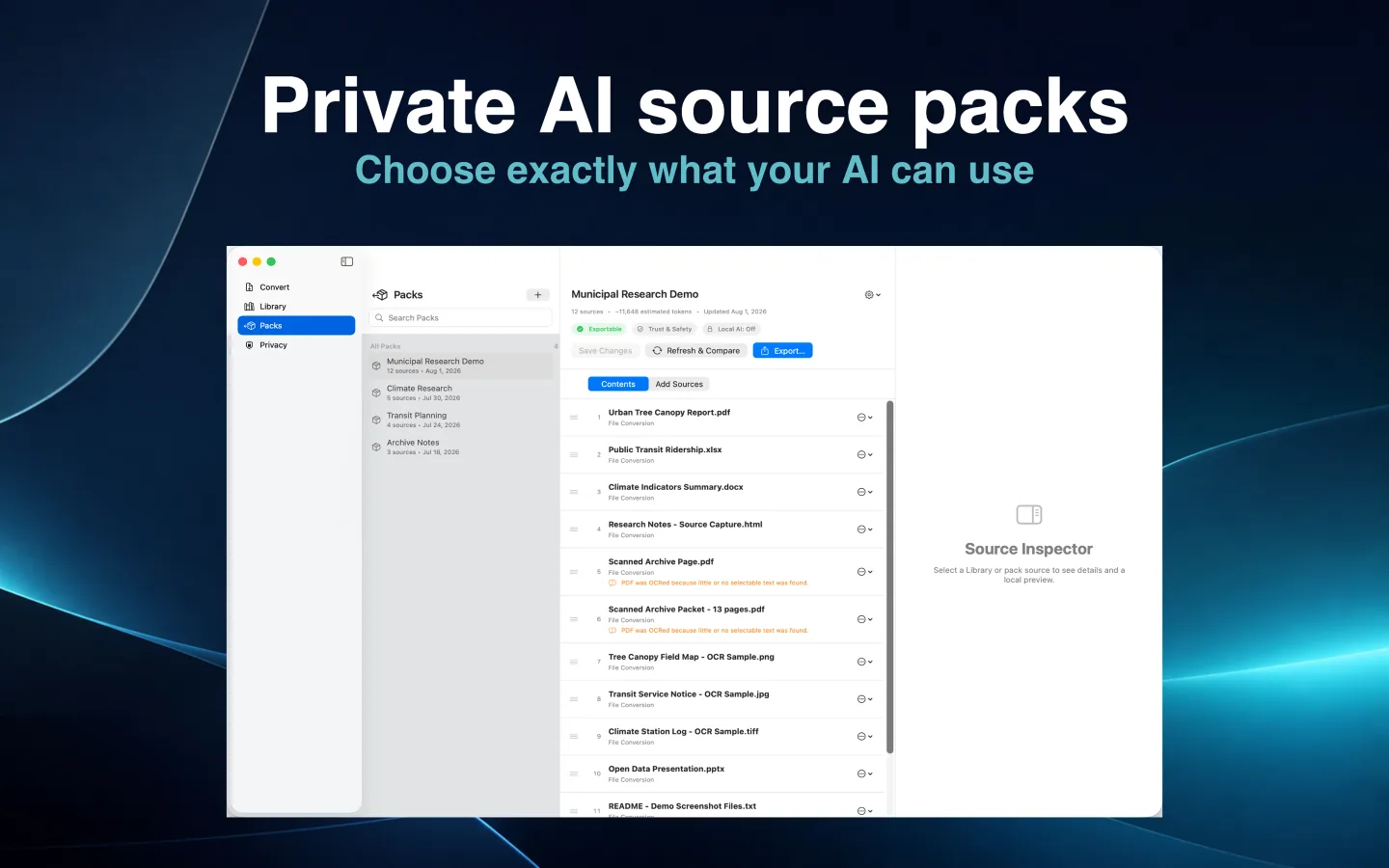
Many websites already contain valuable documentation, research, policies, product information, and technical guides. A local llms.txt collection can identify that material in an ordered, human-readable way. SourceShelf can import the local collection into its Library and create a saved pack that remains on your Mac.
This workflow is deliberately offline. SourceShelf does not crawl a website or fetch arbitrary remote URLs from an imported index.
Importing llms.txt with SourceShelf
A typical import works like this:
- Choose an
llms.txtfile or a folder containing one. - SourceShelf reads the local index.
- Safe relative
.md,.markdown, and.txtreferences beneath the selected folder are resolved and imported locally. - The index becomes the first Library item and local documents follow in index order.
- SourceShelf creates a saved pack named from the index title.
Remote HTTP or HTTPS links are not downloaded. SourceShelf keeps their titles, descriptions, and provenance as unavailable references so you can see what the index named without silently transferring website content.
Exporting llms.txt collections with SourceShelf
SourceShelf can also create an llms.txt Collection Folder from a saved pack:
my-research-pack/
├── llms.txt
├── documents/
├── assets/
├── sourceshelf-manifest.json
└── checksums.sha256
The folder contains ordered documents, referenced archived assets, a SourceShelf manifest with provenance, and deterministic checksums for integrity checks. Unavailable web references with valid provenance can appear in the index’s optional section, but SourceShelf does not download them.
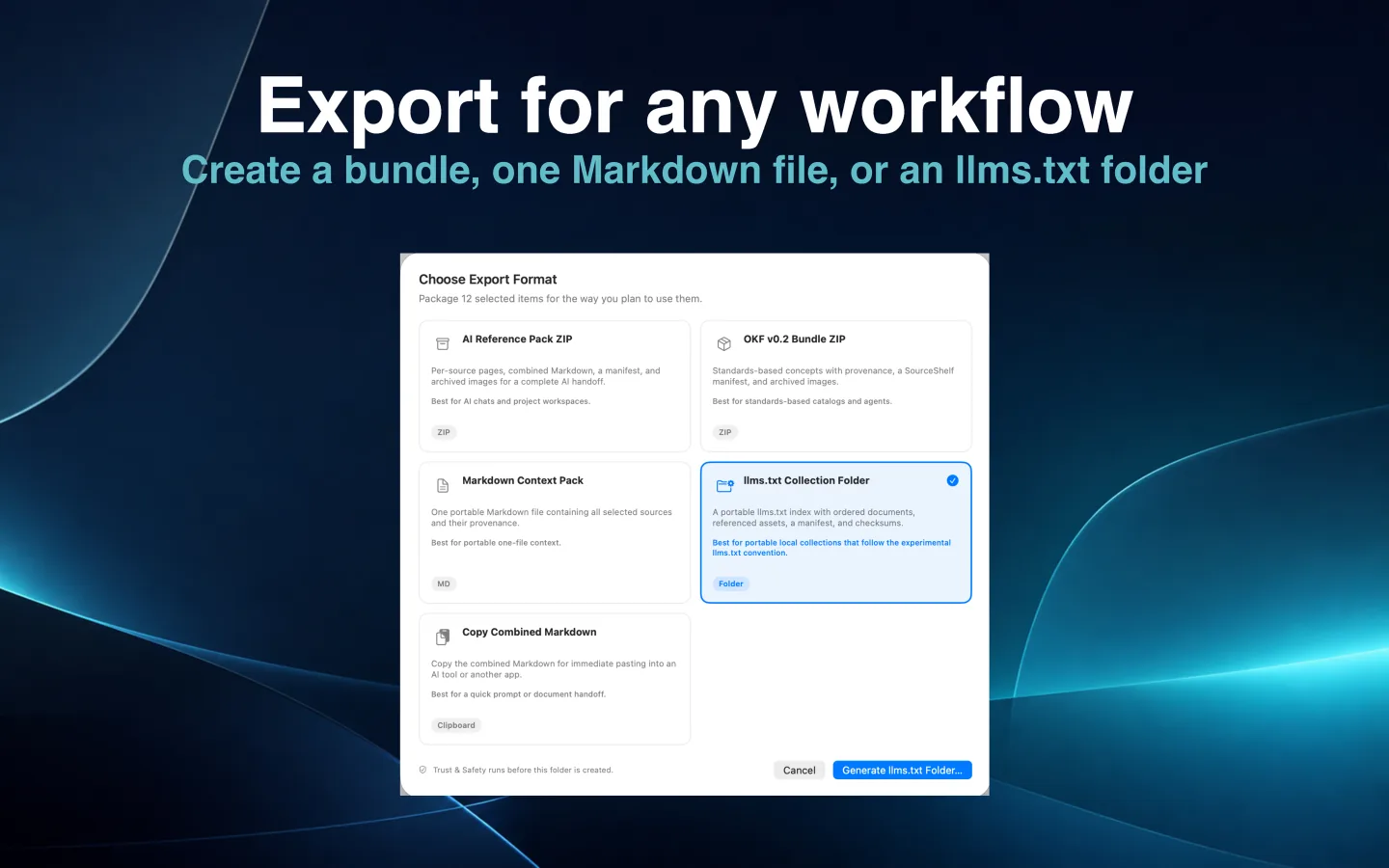
This is a portable collection format, not a promise that every AI product will import it directly. You can keep the folder as readable local knowledge, adapt it for another workflow, or export the same saved pack in a different format.
From llms.txt to a SourceShelf workflow
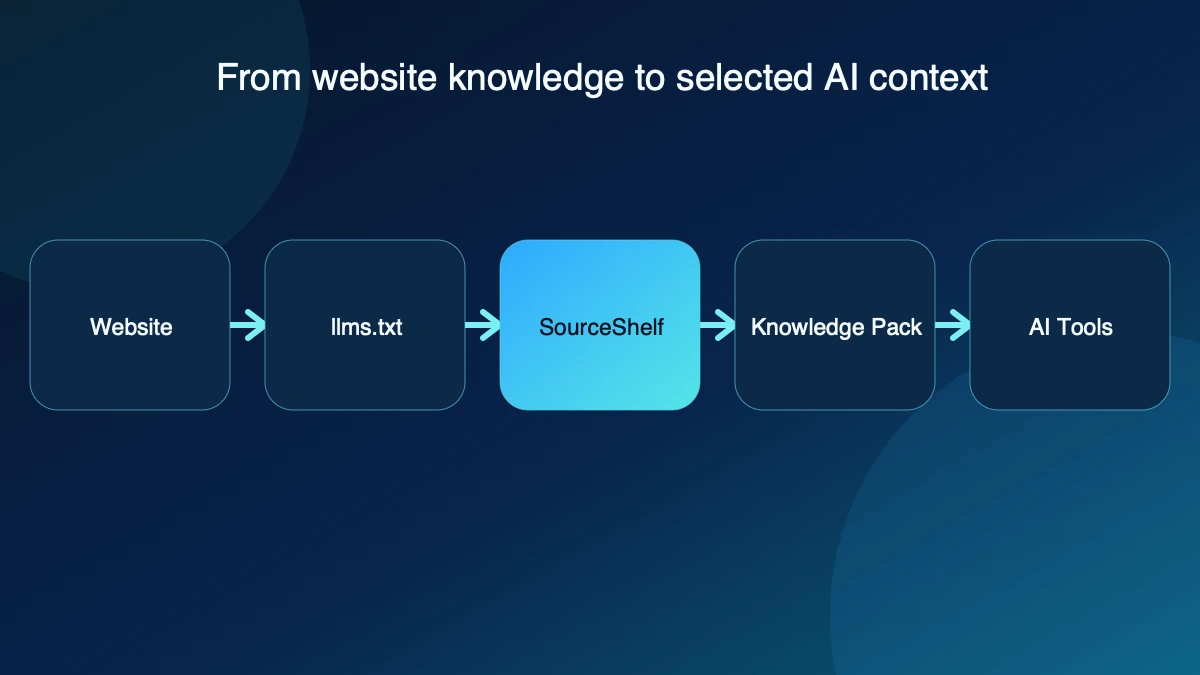
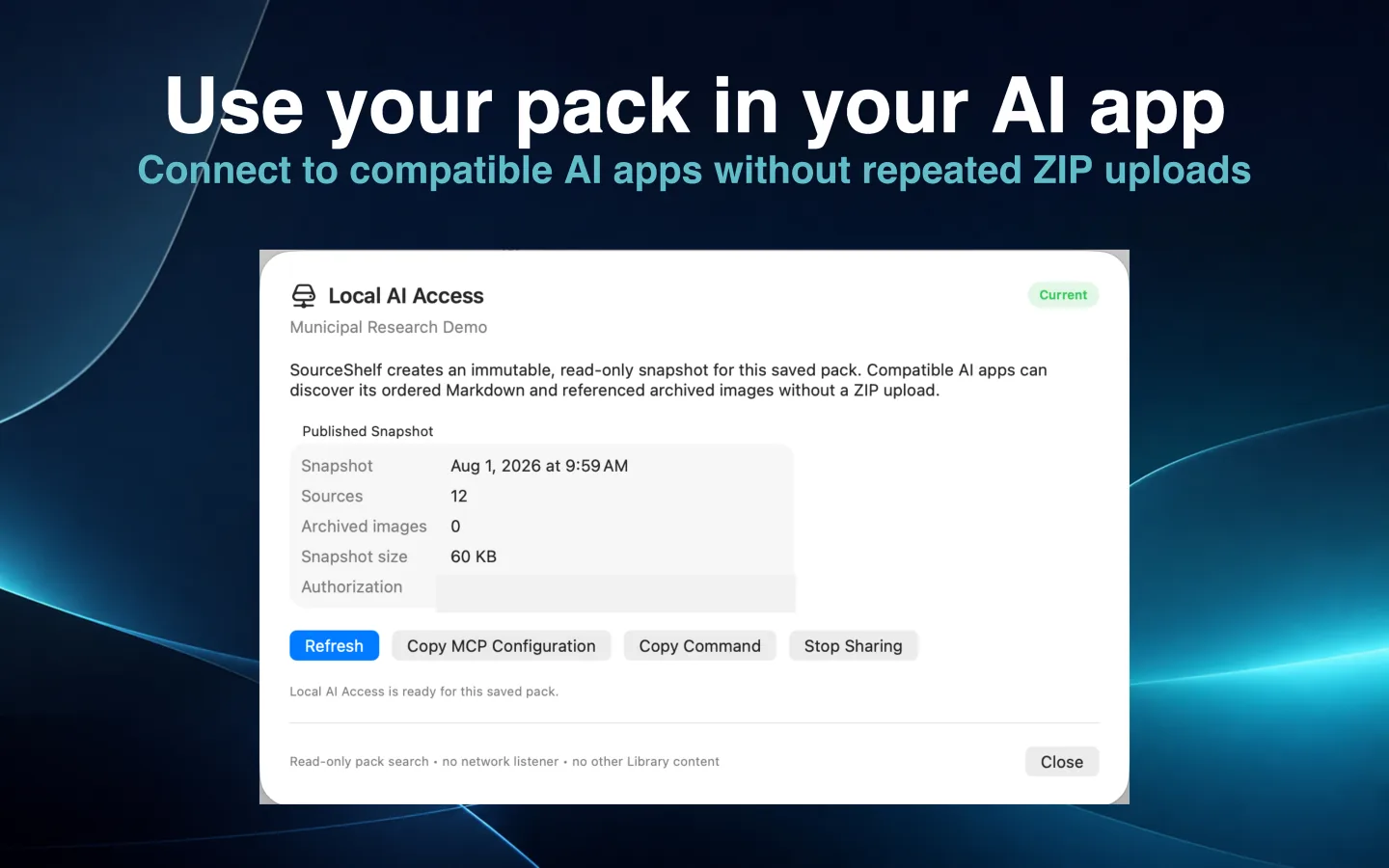
Once a collection is a saved pack, you can export an AI Reference Pack or use Local AI Access to share an immutable, read-only snapshot with a compatible client. Only the selected pack is exposed; SourceShelf does not share the rest of the Library.
If you are starting with a broader mix of documents and webpages rather than an existing index, the private AI knowledge base workflow explains how to capture, organize, and selectively share local sources.
Relationship to OKF
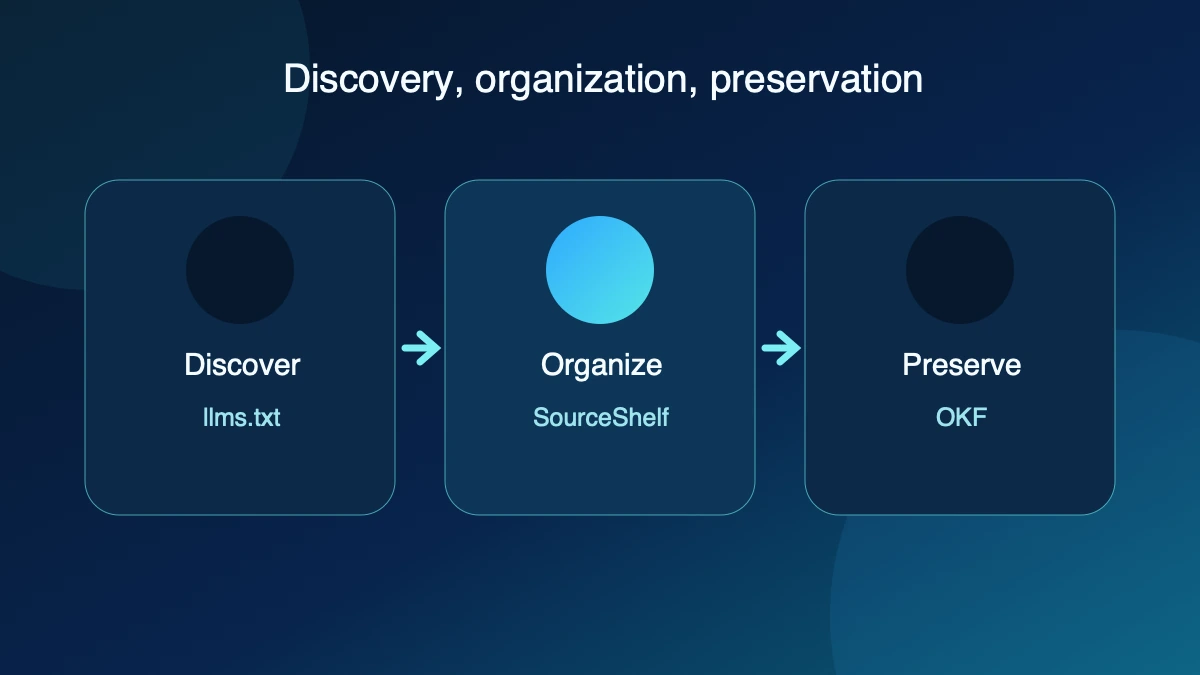
llms.txt and Open Knowledge Format solve different problems.
- llms.txt: helps a tool discover and navigate curated website knowledge
- OKF: packages structured knowledge into a portable collection of Markdown concepts and metadata
- SourceShelf: can organize local sources between those two stages and export them for a chosen workflow
The guide to Open Knowledge Format explains the packaging side in more detail. Neither format enlarges a model’s context window or guarantees that a tool will use every source.
Building knowledge that AI can actually use
AI systems need context. That context is more useful when it is structured, portable, understandable, and maintained by the people who created it.
llms.txt is one small step toward making online knowledge easier for AI systems and agents to discover. Its value comes from careful curation, accurate summaries, stable links, and tools that decide to support the convention.
SourceShelf extends that idea by helping you capture, organize, and package knowledge locally, so your information remains useful across the AI tools you choose.